

Darmowe instrukcje obsługi TrueLife – czytaj, pobieraj i drukuj
4 Instrukcje
Instrukcje
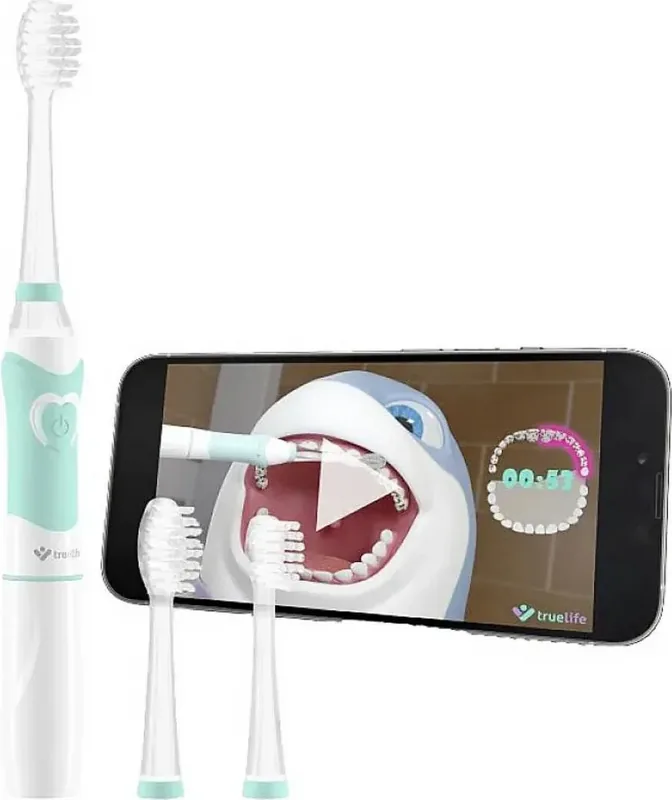
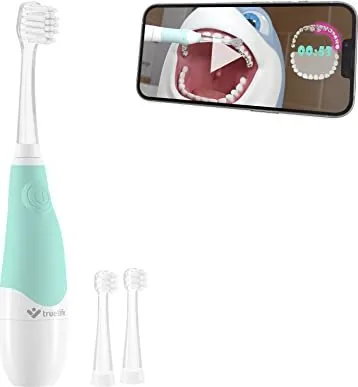
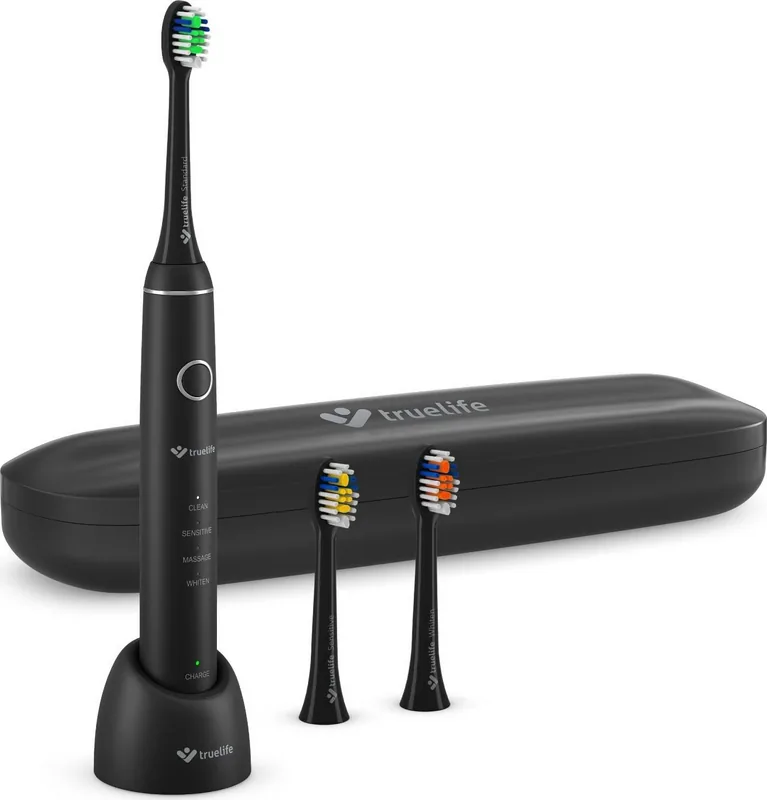
Kategorie

Free TrueLife Manuals - Read, Download & Print
Find Helpful TrueLife Manuals in One Place
Looking for a TrueLife manual? This page is designed to help users locate, read, download, and print manuals for a range of TrueLife products. Whether you need setup guidance for a baby monitor, operating instructions for a health device, cleaning information for an appliance, or troubleshooting steps for an electronic accessory, a product manual can provide the details needed to use the device correctly.
TrueLife manuals are useful for new owners as well as long-term users. Even after using a product for months or years, it is easy to forget a button function, recommended maintenance interval, warning symbol, or reset procedure. Having access to the right documentation makes it easier to check important information without searching through old packaging or paper documents.
Read TrueLife Manuals Online
Reading a TrueLife manual online is a convenient option when you need information quickly. Digital manuals can be viewed on a computer, tablet, or phone, making them accessible at home, at work, or while traveling. Online viewing is especially helpful when you only need to check a specific section, such as first-time installation, charging instructions, technical specifications, or error messages.
Most manuals are organized into clear sections that may include product descriptions, package contents, safety notes, controls, display icons, setup steps, daily use instructions, cleaning guidance, storage advice, and warranty information. Use the table of contents or document search feature, when available, to find a relevant topic faster.
Information Commonly Found in Manuals
A TrueLife user manual may include practical details such as:
- Product overview and component names
- Instructions for charging, batteries, and power adapters
- Setup and pairing procedures
- Operating modes and button functions
- Safety precautions and intended use
- Cleaning, care, and storage recommendations
- Troubleshooting tips for common issues
- Technical specifications and supported accessories
- Disposal and recycling information
- Warranty conditions and service contacts
Always compare the product name and model number shown in the manual with the label on your device. Products with similar names can have different controls, accessories, charging requirements, and features.
Download TrueLife Manuals for Offline Access
Downloading a TrueLife manual allows you to keep a copy on your device for future reference. This can be useful if you expect to use the product where internet access is limited or if you prefer to store important documents in a single folder. A downloaded manual is also easier to share with another household member, caregiver, technician, or person who uses the same product.
Before downloading, make sure you have selected the correct document for your exact model. Check the device label, original box, receipt, or product settings for identifying details. The model number is often more reliable than the product family name alone. If several versions are listed, select the version that matches your product's features and included accessories.
After saving the file, give it a clear name that includes the product model and language. For example, you might store it as "TrueLife Model User Manual English" in a folder for home appliances, baby care products, personal care devices, or electronics. Keeping documents organized can save time when you need to solve an issue later.
Benefits of Keeping a Downloaded Copy
A local copy of a manual can help you:
- Access instructions without an internet connection
- Search for keywords within the document
- Keep setup and maintenance notes with the manual
- Save a backup if the original paper booklet is lost
- Send the document to family members or support personnel
- Review safety instructions whenever needed
For best results, download manuals only from trusted sources and scan files with your usual security software if required. Avoid relying on incomplete screenshots or unofficial excerpts when safety, electrical use, health-related operation, or maintenance is involved.
Print a TrueLife Manual When You Need Paper Instructions
Printing a manual can be useful for users who prefer paper instructions or need to keep guidance close to the device. A printed copy is helpful in locations where phones and computers are inconvenient, such as kitchens, workshops, nurseries, bathrooms, storage areas, or travel bags. It can also be easier to mark important pages, add notes, and quickly compare instructions while operating the product.
You do not always need to print the entire document. Consider printing only the most useful pages, such as the quick-start guide, safety section, cleaning instructions, troubleshooting table, or warranty page. This approach reduces paper use while still giving you a convenient physical reference.
Printing Tips
Before printing, review the document settings. Choose the correct paper size, page orientation, and print range. If the manual contains color-coded diagrams, display icons, or warning labels, color printing may improve readability. For longer manuals, duplex printing can reduce the number of sheets used.
If you print selected pages, include the cover page or write the product name and model number on the first sheet. This prevents confusion if you own more than one TrueLife device. Store the pages in a labeled folder, binder, or plastic sleeve to protect them from moisture, dust, and accidental damage.
Use Manuals for Safe Setup and Everyday Operation
A manual is more than a list of features. It is an important source of safety and care information. Read the safety instructions before connecting a device to power, using it near water, placing it around children, attaching accessories, or using it for health or personal care purposes. Follow the stated intended use and do not modify the product unless the manufacturer specifically permits it.
Pay special attention to warnings about adapters, cables, batteries, ventilation, temperature, cleaning agents, and small removable parts. Use only compatible accessories and replacement components recommended for the applicable model. Incorrect accessories may affect performance, damage the device, or create a safety risk.
For products that monitor health, care for children, or provide measurements, follow the manual's instructions carefully. A consumer device manual may explain normal operation and basic error handling, but it should not replace professional medical, safety, or childcare advice where such advice is needed.
Troubleshooting Common TrueLife Product Issues
When a TrueLife product does not work as expected, the manual is often the best first reference. Start by checking power, battery charge, cable connections, and the correct operating mode. If the device uses wireless pairing, review the distance, pairing steps, permissions, and compatibility requirements. For products with displays or indicators, look up the relevant icon, light pattern, or error code in the troubleshooting section.
Simple checks may resolve many common problems:
- Confirm that the device is charged or connected to a suitable power source.
- Verify that all parts are assembled correctly.
- Check whether protective packaging, transport locks, or seals have been removed.
- Clean sensors, contacts, or removable components as instructed.
- Restart the product if the manual recommends a reset procedure.
- Confirm that settings match the intended mode of use.
- Review maintenance requirements and replacement intervals.
If the problem continues, stop using the product when the manual indicates that continued use may be unsafe. Contact authorized customer support or service personnel with the product model, serial number if available, purchase information, and a clear description of the issue.
Choose the Correct TrueLife Manual
Selecting the right manual is essential because different models may look alike while functioning differently. Check the full model identification on the product label. It may be located on the bottom, back, battery compartment, charging base, packaging, or rating label. Also compare product images, control layouts, included parts, and stated specifications before using a manual.
If your device is an older model, look for documentation that matches its release version. Newer manuals may describe features that are not present on earlier products. Likewise, regional editions can differ in plug types, electrical ratings, language, regulatory notices, and available accessories.
Keep Your TrueLife Documentation Ready
A well-organized manual collection makes ownership simpler. Save digital copies in a secure location, retain printed copies for frequently used products, and note the purchase date and warranty details alongside each manual. When selling, gifting, or passing on a TrueLife device, providing the correct manual helps the next owner use it responsibly.
Use TrueLife manuals to understand product features, follow recommended care instructions, address basic problems, and make informed decisions about service or replacement. Reading, downloading, and printing the right manual gives you a reliable reference whenever you need it.
Szukaj w: 67 732 Instrukcje online


Wpisz markę lub model